같이사자 :: 공동구매 게시물 등록 코드 완성(java 넘어온 객체 데이터 다시 넘겨주기)
흐아아아아 이게 뭐라고 메인 코드도 이미 짜놨는데 오래 걸렸나 싶다................
여러가지 방법을 시도해봤는데.. 결국 내가 하려던 방향으로는 해결하지 못해서 아쉽다.
공동구매 게시물 작성 폼 페이지 → 결제 페이지 → 비밀번호 입력 → 결제 완료 페이지
이런 순서로 결제가 진행되는데 폼 페이지에서 결제 페이지로 buypostDTO 객체를 넘기고
또 다시 그 객체를 결제 완료 페이지로 넘겨야 하는데 그 부분에서 막혀버렸다.
<input type="hidden" class="buypostValue" value="${buypost }">↑ 이런 식으로
input hidden 에 buypostDTO 객체를 결제 페이지에 작성하고 그 객체를 jquery 를 통해
get 방식으로 넘겨주는 방법으로 시도해봤는데 get 방식으로는 String 데이터 여러개만 넘길 수 있더라...
(key value 형태로)
난 그것도 모르고 데이터가 왜 안 넘어가지?! 하면서 한 시간 넘게 헤매고 있었다.
구글링을 열심히 해봤지만 받아온 객체 자체를 다시 다른 페이지로 전송하는 방법을 찾을 수 없었다.
아시는 분 제발 댓글로 알려주세요 ㅠㅠ
그래서 선택한 방법은 input hidden 타입으로 결제 페이지에 작성해서 또 그 데이터를 form 방식으로 보내는 방법이었다.
<!-- 받아온 buypost 를 다시 넘겨주기 위해.. 이렇게 처리 -->
<form id="buypostValue" action="<%=cp%>/buypostinsert.lion" method="post">
    <input type="hidden" name="title" value="${buypost.title }">
    <input type="hidden" name="sub_cate_code" value="${buypost.sub_cate_code }">
    <input type="hidden" name="url" value="${buypost.url }">
    <input type="hidden" name="expiration_datetime" value="${buypost.expiration_datetime }">
    <input type="hidden" name="total_price" value="${buypost.total_price }">
    <input type="hidden" name="goods_num" value="${buypost.goods_num }">
    <input type="hidden" name="deadline" value="${buypost.deadline }">
    <input type="hidden" name="trade_datetime" value="${buypost.trade_datetime }">
    <input type="hidden" name="content" value="${buypost.content }">
    <input type="hidden" name="buy_number" value="${buypost.buy_number }">
</form>
위와 같이 받아온 데이터를 풀어서 다시 form 방식으로 넘겨주기!
// <결제하기> 버튼 클릭 시,
$(".buypostPayBtn").click(function()
{
    (async () => {
        const { value: password } = await Swal.fire({
            title: '비밀번호를 입력해주세요.',
            input: 'password',
            inputPlaceholder: '비밀번호 입력',
            showCancelButton: true,
            reverseButtons: true,
            confirmButtonText: '확인',
            cancelButtonText: '취소'
        })
        // 비밀번호가 맞다면, 결제 진행
        if (password) {
            if (password=='1234') {

                $("#buypostValue").submit();

            }else {
                Swal.fire({
                    icon: 'error',
                    text: '비밀번호가 일치하지 않습니다.',
                    showConfirmButton: false,
                    showCancelButton: true,
                    cancelButtonText: '확인'
                })
            }
        }
    })()
});
원래 로그인한 사용자의 비밀번호를 가져온 뒤 비교하여 결제를 진행해야 하는데
딱히 어렵지도 중요하지도 않은 것 같아 스킵했다.
// 결제 (공동구매 게시물 insert, 결제 insert, 참여자 insert)
@RequestMapping(value="/buypostinsert.lion", method = RequestMethod.POST)
public String pay(BuypostDTO buypost, HttpServletRequest request)
{
    IBuypostDAO dao = sqlSession.getMapper(IBuypostDAO.class);

    // 로그인 정보 얻어오기
    HttpSession session = request.getSession();

    buypost.setMember_code((String)session.getAttribute("member_code"));

    dao.insertBuypost(buypost);	// 공구 게시물 작성 메소드 호출

    return "/WEB-INF/view/user/user_buypost_pay_popup_alert.jsp";
}
맵핑 메소드는 위와 같다.
위의 과정을 실제 홈페이지에서 실행해보았다.
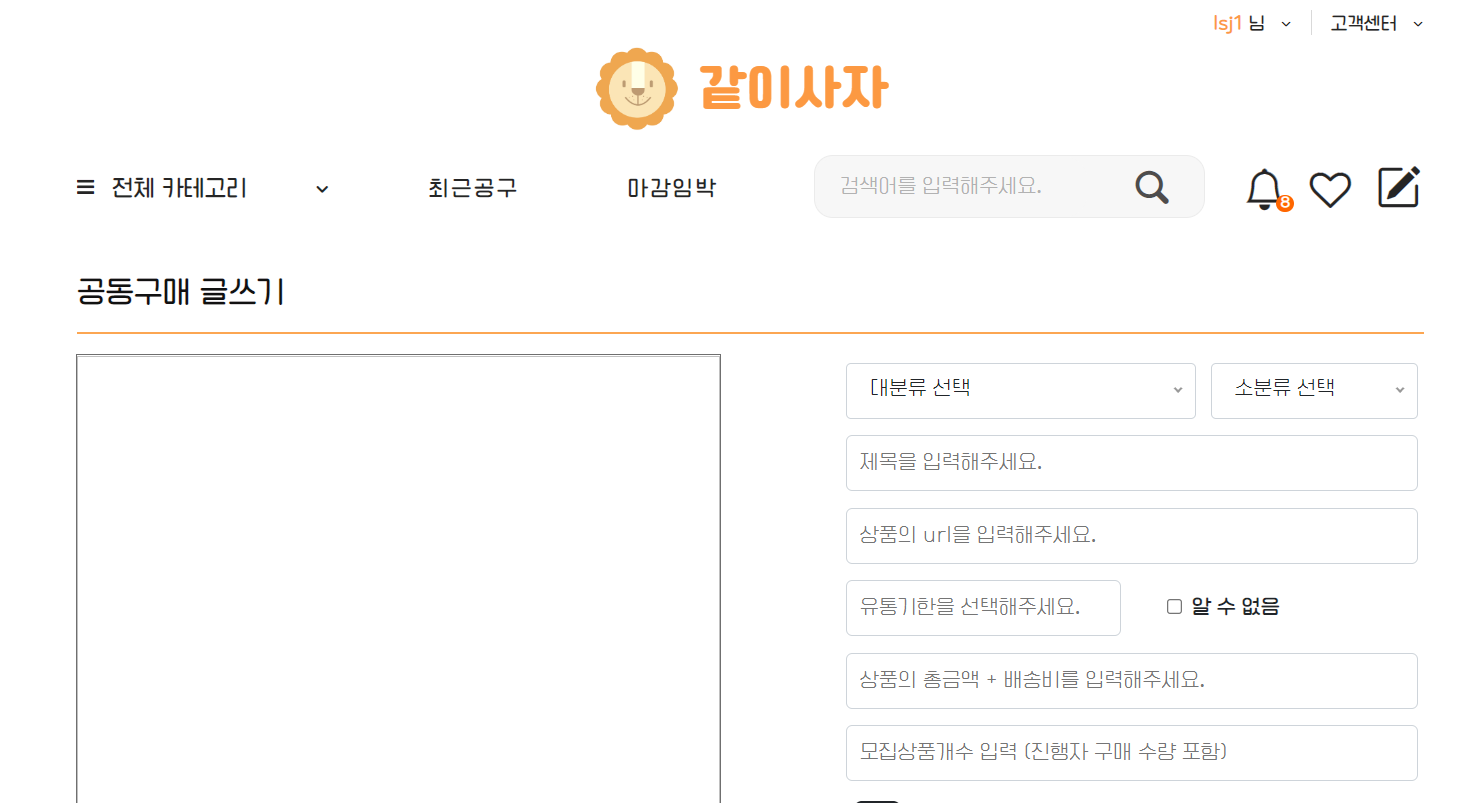
먼저 로그인을 한 뒤, 공동구매 글쓰기 페이지에 들어온다.
공동구매 게시물의 내용을 채우고
등록을 클릭하면

결제창이 뜬다.

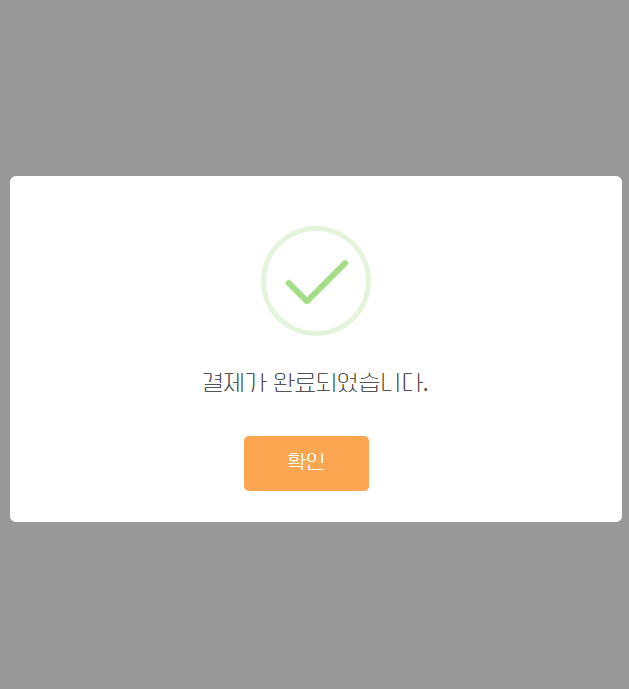
1234를 입력하고 확인을 누르면 결제가 완료된다.

결제가 완료되면 자동으로 메인 페이지로 돌아가 내가 작성한 게시물을 확인할 수 있다!
드디어! 우리 웹 사이트의 메인 기능인 공동구매 게시물 작성을 완료했다.
지금 잔여 포인트쪽 쿼리문에 오류가 있어 수정이 필요하지만.. 그래도 ㅠ ㅠ 혼자서 잘 해낸 것 같다!
빨리 포인트쪽 오류를 수정하고 공동구매 게시물 참여 코드로 넘어가야겠다.
개강 전에는 완성할 수 있겠지?!